
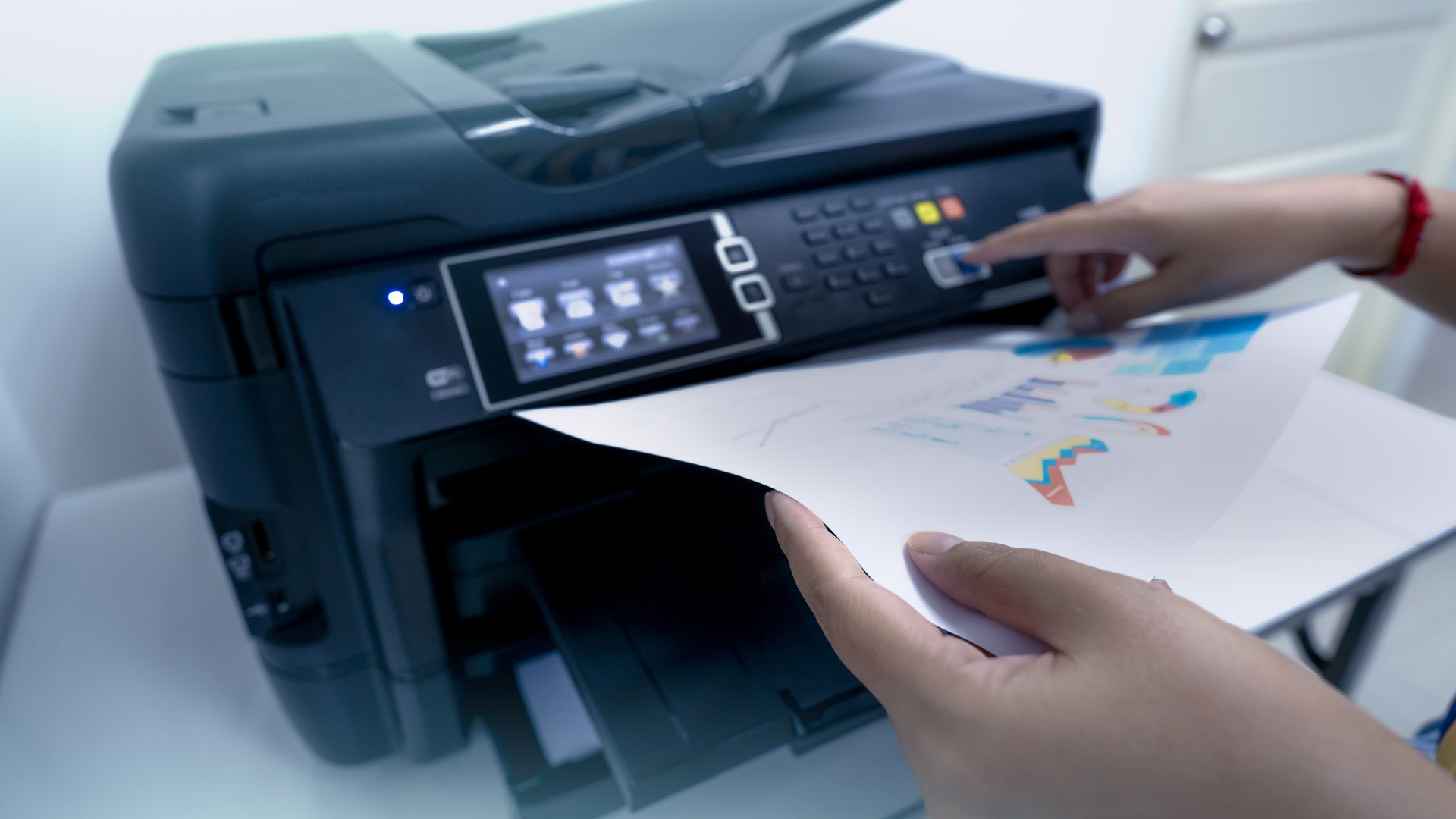
In the hierarchy of corporate technology, the office printer is often viewed as a relic of a bygone era. While cloud computing, artificial intelligence, and cybersecurity dominate the strategic conversations of the modern IT department, the simple multifunction printer (MFP) remains a persistent, physical necessity. However, despite its secondary status in the tech stack, the printer is notorious for being one of the most time-consuming and frustrating devices that businesses have to manage.
For many organizations, the responsibility of maintaining the print fleet falls on the internal IT team. It is a logical assignment on paper, considering that printers are networked devices, but in practice, it is a significant drain on high-value resources. When highly skilled network engineers and systems administrators spend their afternoons clearing paper jams or troubleshooting driver incompatibilities, the business suffers a massive opportunity cost.
This is why your IT team should step away from printer maintenance and why transitioning to professional print management services is a smarter strategic move.
High Cost of “Low-Value” Support Tickets
IT professionals are trained to manage complex infrastructure, secure data perimeters, and drive digital transformation. Every minute they spend addressing a “toner low” alert or a connectivity issue on a desktop inkjet could be time stolen from high-impact projects.
Industry data consistently shows that printer-related issues account for a staggering percentage of all help desk tickets, often ranging from 20% to 40%. These tickets are rarely complex, but they are disruptive. They break the “flow” of deep work, forcing engineers to pivot away from server migrations or security patches to handle mechanical hardware issues. By offloading printer management, you effectively clear a massive portion of the help desk queue, allowing your internal experts to focus on the technical work they were hired to do.
Printers Are a Growing Cybersecurity Blind Spot
Modern printers are no longer basic output devices; they are sophisticated computers with their own operating systems, hard drives, and network interfaces. Unfortunately, because they are often overlooked, they become one of the most vulnerable entry points for cybercriminals.
Internal IT teams are often already stretched thin defending against phishing, ransomware, and cloud vulnerabilities. Printer security tends to fall to the bottom of the priority list, and printers frequently sit on the network with default passwords, unencrypted hard drives, and outdated firmware. A dedicated management partner has the bandwidth to treat the printer as a critical security endpoint. They ensure that BIOS protection is active, hard drives are automatically wiped, and that “pull-printing” protocols are in place to ensure sensitive documents aren’t left sitting in open output trays where they can be photographed or stolen.
The Logistical Challenge of Supply Management
Managing a fleet of printers involves a chaotic amount of physical logistics. Different models require different toner cartridges, waste containers, and maintenance kits. Without a dedicated system, IT departments often fall into one of two traps: “Panic Buying” or “Supply Hoarding”.
In the first scenario, a critical printer could, for example, run out of yellow toner in the middle of a proposal deadline, forcing an IT staffer to run to a local big-box store to buy a retail-priced cartridge. In the second scenario, the company could, for example, spend thousands of dollars upfront to stock a closet full of supplies, much of which may eventually go to waste if a printer is replaced or retired. Professional management can replace this chaos with “Just-in-Time” (JIT) replenishment. For example, automated monitoring software can alert the provider when a tank reaches a certain threshold (e.g., 10%), and a new cartridge can be shipped automatically. This removes the inventory burden from IT and ensures the office never faces a “system down” moment due to a logistics issue.
Hardware Longevity and Proactive Maintenance
Most internal IT teams operate on a “break-fix” model when it comes to printers. They don’t touch the machine until an employee complains that it’s showing severe symptoms such as making a grinding noise or streaking the pages. By that point, the damage is often extensive, leading to expensive part replacements or the premature death of the device.
Specialized printer management shifts the focus to proactive maintenance. Similar to how a car needs regular oil changes to reach 200,000 miles, a high-volume MFP needs scheduled cleanings, roller replacements, and sensor calibrations. Managed providers use remote monitoring tools to track “click counts” and hardware health. They can identify a failing part before it actually breaks, scheduling a technician to visit during off-hours. This proactive approach efficiently extends the lifespan of your expensive hardware assets and prevents the sudden, mid-day outages that frustrate staff and derail productivity.
Financial Predictability and Consolidated Billing
From a finance and administrative perspective, unmanaged printing can be a “black hole” of expenses. Costs are scattered across different departmental budgets. For example, IT might pay for the hardware, Office Supplies might pay for the toner, and Facilities might pay for the paper. This makes it nearly impossible for a CFO to understand the true Total Cost of Ownership (TCO) of the print fleet.
When IT stops managing the printers and moves to a managed model, the costs are consolidated into a single, predictable monthly invoice. This is typically based on a “cost-per-page” model, which includes hardware, all supplies, all labor, and all parts. This transparency allows the company leadership to see accurate data about usage patterns more readily. It also shifts the financial burden from a capital expenditure (CapEx) model of buying expensive machines to an operational expenditure (OpEx) model that is much easier to scale as the business grows or shrinks.
One goal of any modern business should be to enable its IT department to be a profit center rather than a cost center. When a tech team is bogged down by the mechanical frustrations of a printer fleet, they are forced to act as a maintenance crew rather than becoming a strategic asset.
Offloading printer management allows a company to reclaim the intellectual capital of their IT department. It also ensures that company data remains secure at every endpoint and that the operational costs of printing are transparent and controlled. By stepping away from the printer, an IT team can finally step toward the innovations that will actually drive their business forward in the years to come. In an era where digital agility is crucial, no IT professional should be held back by a paper jam.